
An advanced media player for your smart TV
مشغّل وسائط متطور لتلفزيونك الذكي
Play and organise your own playlists with an intuitive interface for channels, films and series, designed for easy navigation with your TV remote.
استمتع بتشغيل قوائمك الخاصة من خلال واجهة منظمة وسهلة الاستخدام، تدعم القنوات والأفلام والمسلسلات، مع تنقل سلس باستخدام ريموت التلفزيون.
✓ 10-day free trialتجربة مجانية لمدة 10 أيام
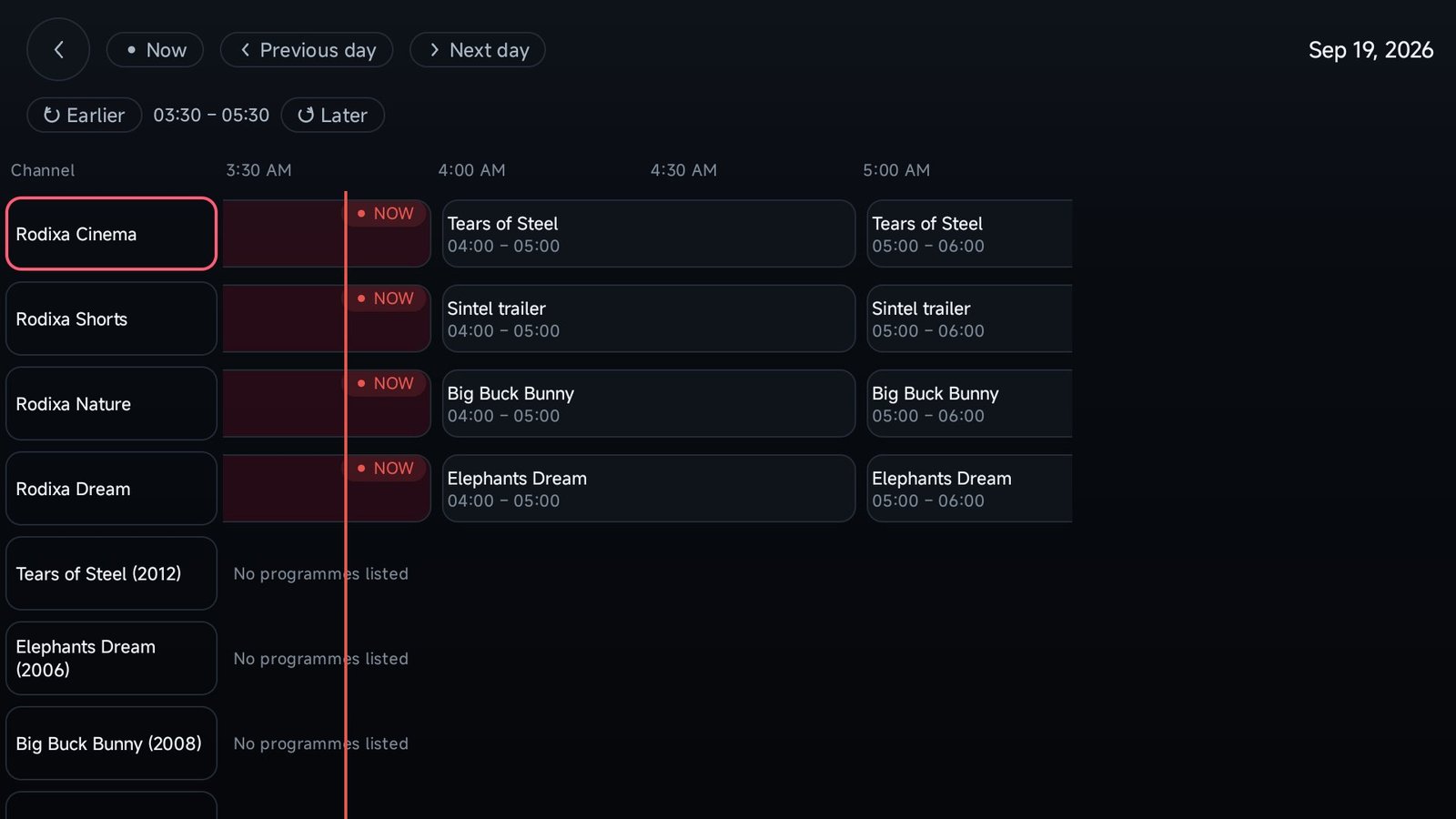
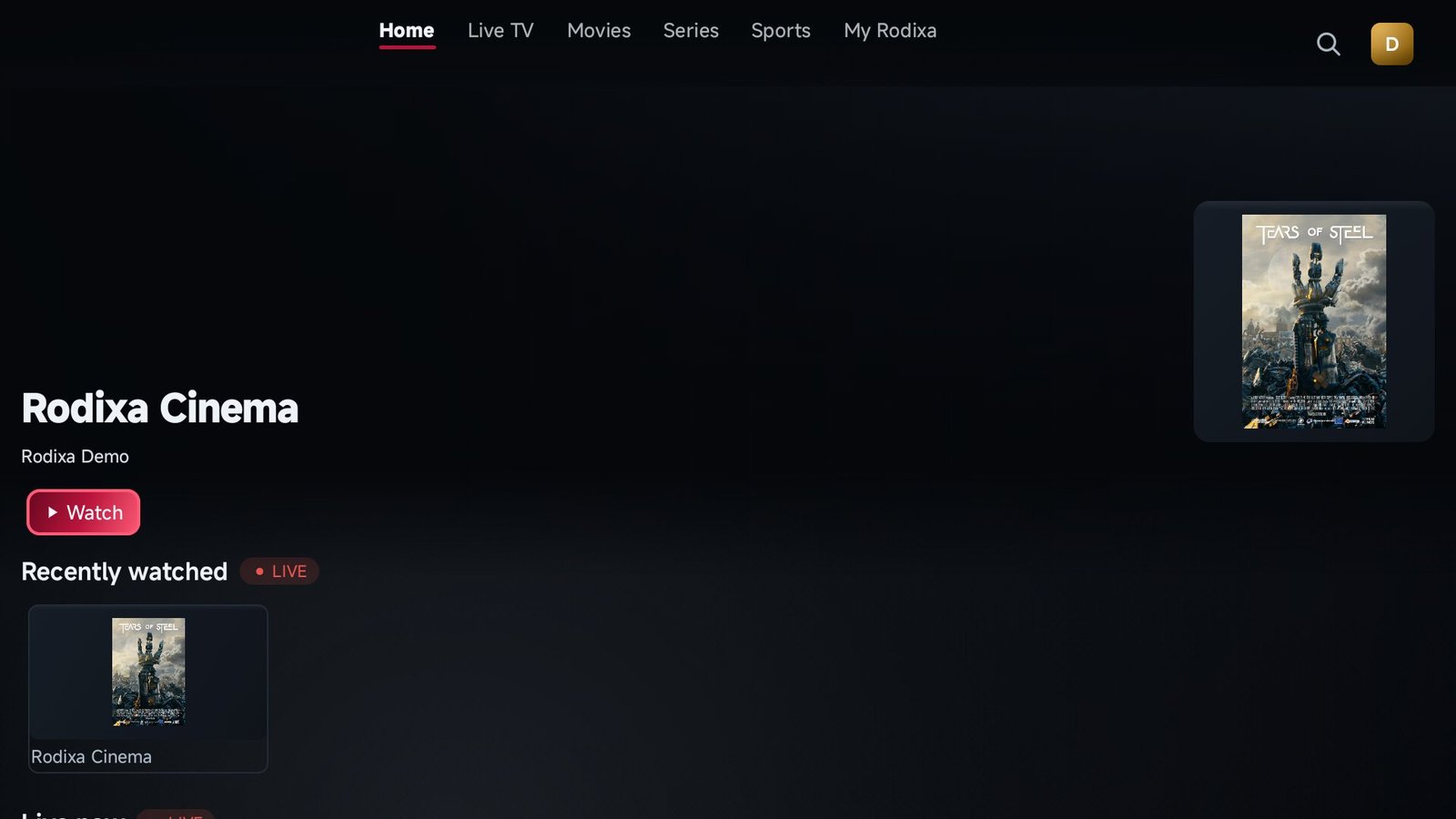
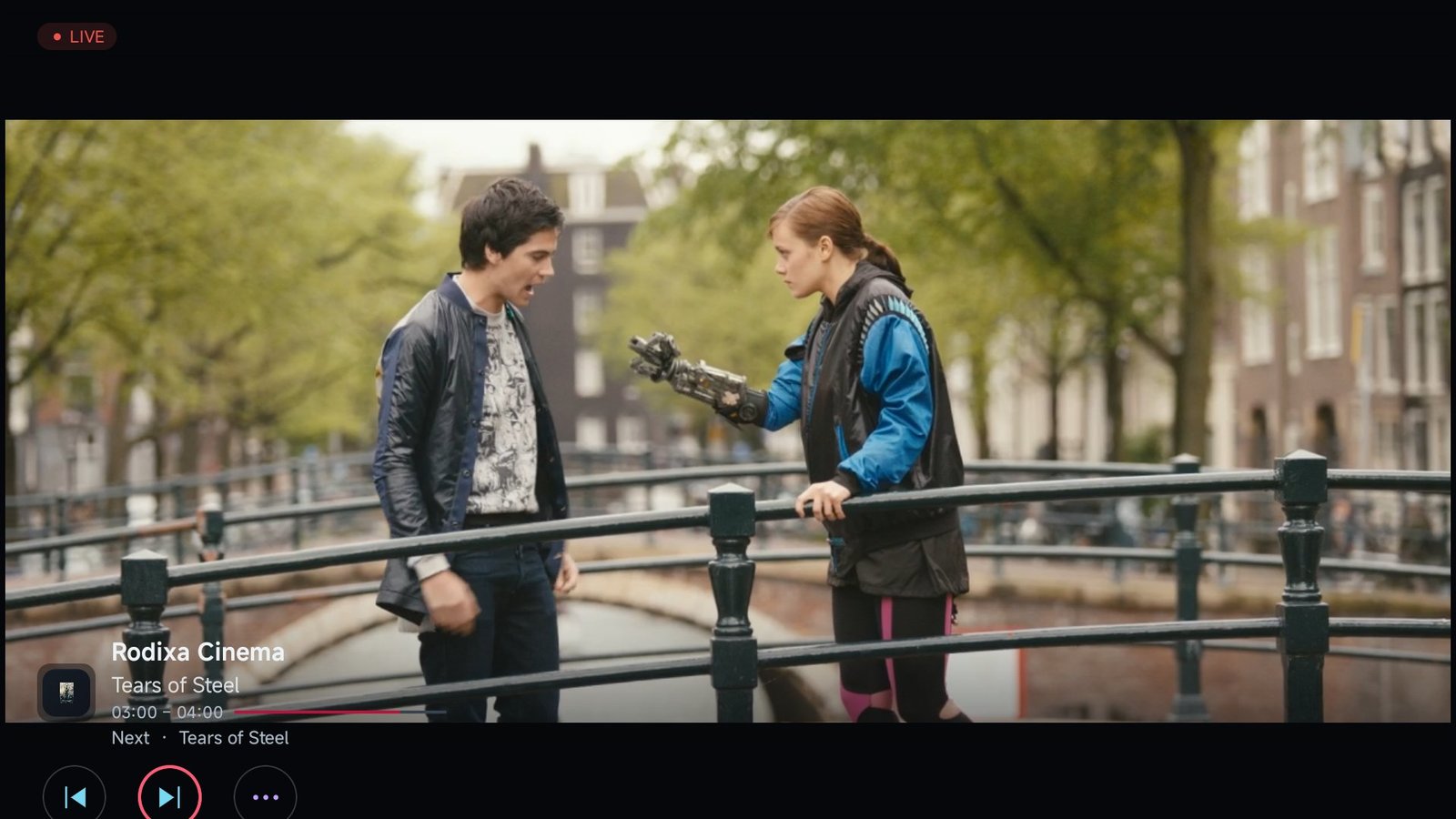
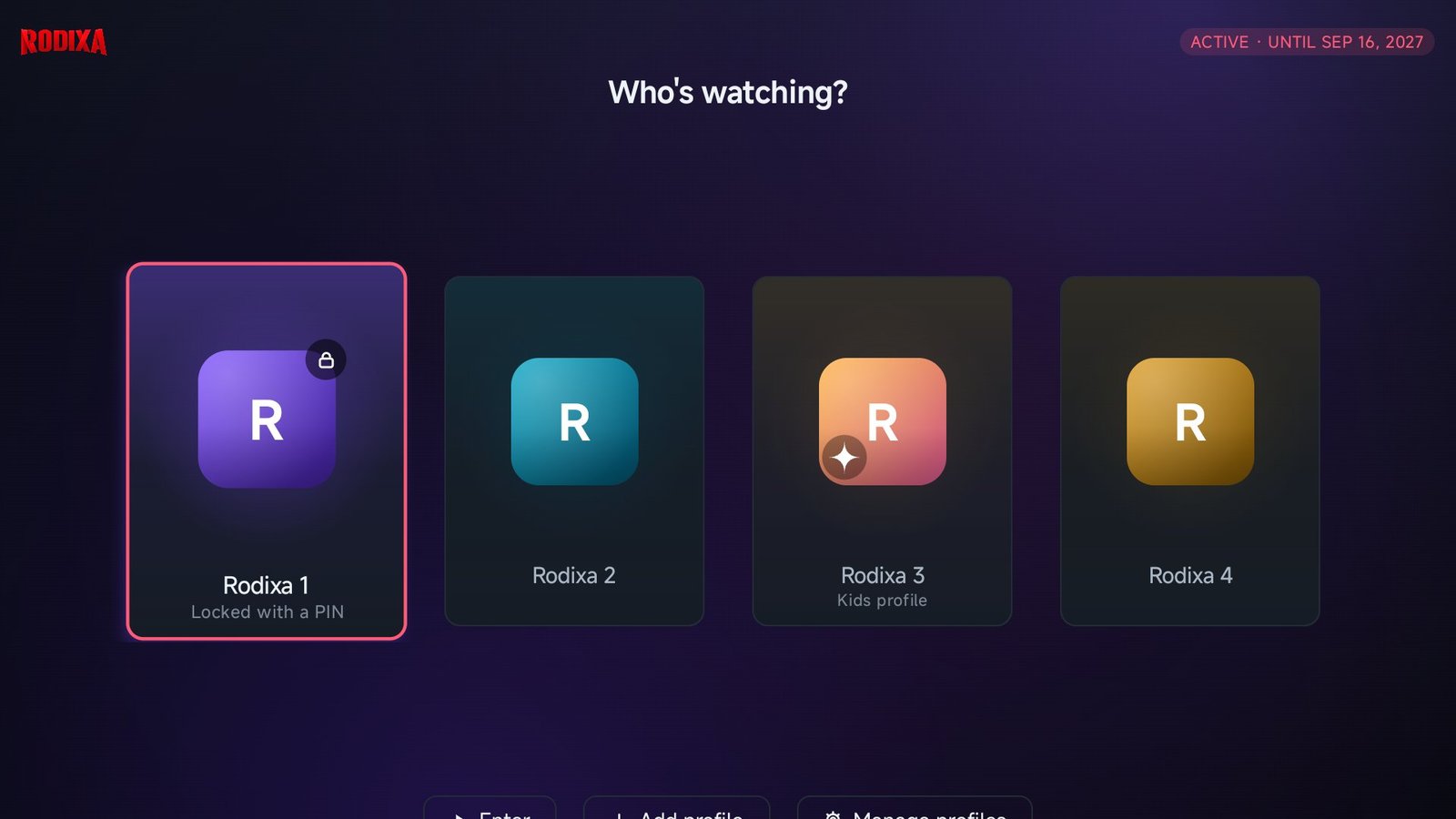
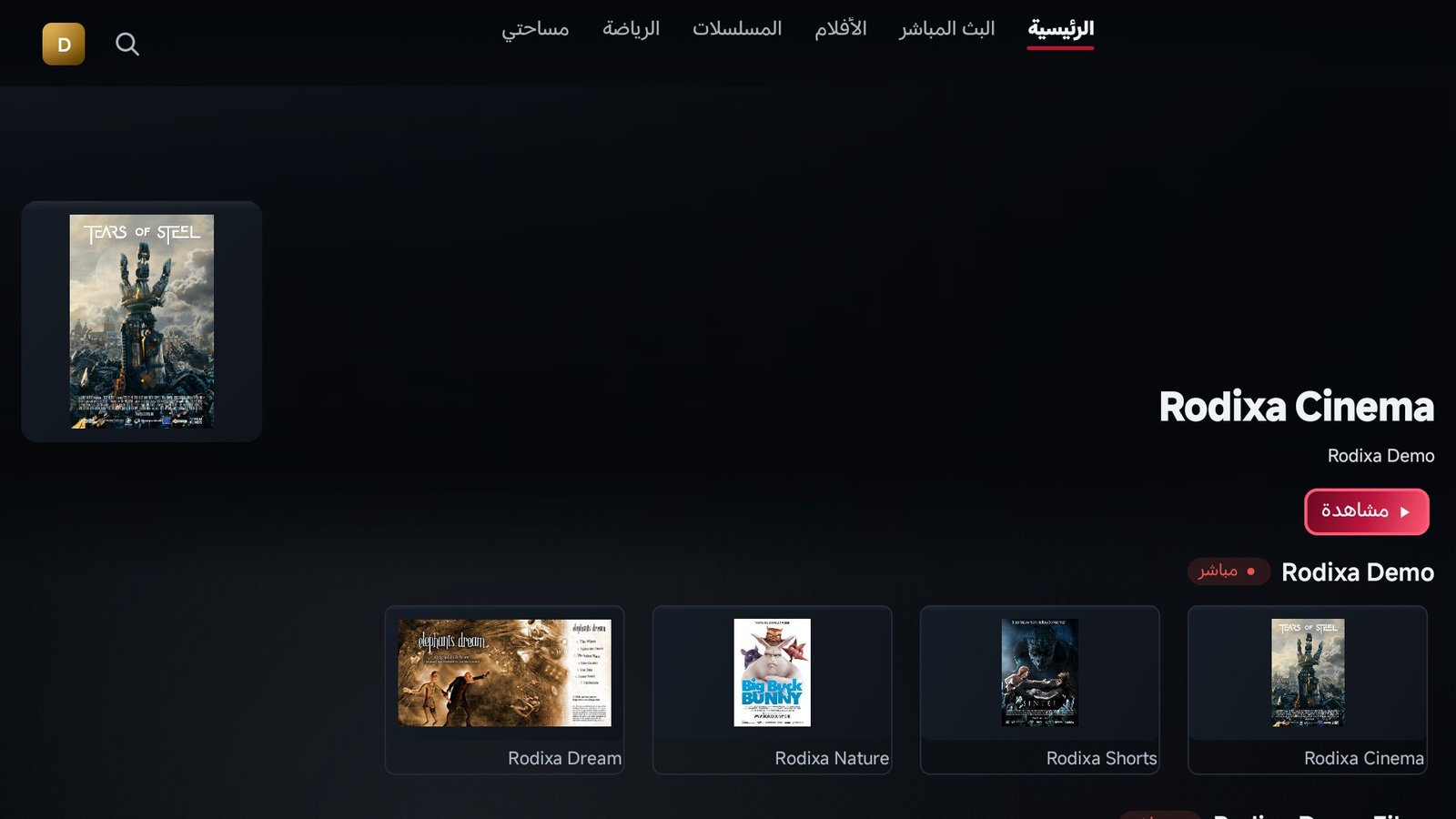
Screenshots show the Rodixa Demo playlist (open films by the Blender Foundation). No channels or content are provided by Rodixa Play.اللقطات من قائمة Rodixa Demo (أفلام مفتوحة من مؤسسة Blender). لا يقدّم Rodixa Play أي قنوات أو محتوى.
Rodixa Play across your favourite devices
Rodixa Play على أجهزتك المفضلة
We are expanding Rodixa Play to more smart TVs and streaming platforms.
نعمل على توسيع دعم Rodixa Play ليصل إلى المزيد من أجهزة التلفزيون الذكية ومنصات التشغيل.
Android TV / Google TV
Android TV / Google TV
Direct APK for Android TV boxes and Google TV
ملف APK مباشر لأجهزة Android TV وGoogle TV
Available nowمتاح الآنAmazon Fire TV
Amazon Fire TV
Fire TV Stick and Cube via the Downloader app
Fire TV Stick وCube عبر تطبيق Downloader
Available nowمتاح الآنAndroid phone & tablet
هاتف وجهاز لوحي Android
Same app, touch layout
التطبيق نفسه بتخطيط للمس
Available nowمتاح الآنSamsung Smart TV (Tizen)
Samsung Smart TV (Tizen)
In development
قيد التطوير
Coming soonقريبًاLG Smart TV (webOS)
LG Smart TV (webOS)
In development
قيد التطوير
Coming soonقريبًاApple TV (tvOS)
Apple TV (tvOS)
In development
قيد التطوير
Coming soonقريبًاWhy Rodixa Play?
لماذا Rodixa Play؟
M3U & Xtream playlists
قوائم M3U وXtream
Add your own source and organise channels, films and series
أضف مصدرك ونظّم القنوات والأفلام والمسلسلات
Made for the television
مصمم للتلفزيون
Clear interface and remote-control navigation
واجهة واضحة وتنقل بالريموت
Electronic Program Guide
دليل البرامج EPG
Now and next, when your source provides guide data
الآن والتالي حين يوفر مصدرك بيانات الدليل
Favourites & last watched
المفضلة وآخر مشاهدة
Keep favourite channels and return to what you watched
احتفظ بالمفضلة وارجع لما شاهدته
Profiles
الملفات الشخصية
A profile for everyone, with PIN locks and a kids profile
ملف لكل فرد، بقفل برمز وملف للأطفال
Categories & ordering
الفئات والترتيب
Categories, ordering and hiding as your source names them
الفئات والترتيب والإخفاء بأسماء مصدرك
Arabic & English
العربية والإنجليزية
A native right-to-left Arabic interface
واجهة عربية أصلية من اليمين إلى اليسار
Device & activation
الجهاز والتفعيل
Support code, licence status and activation through the website
رمز الدعم وحالة الترخيص والتفعيل عبر الموقع
Profiles for everyone
ملفات شخصية لكل أفراد الأسرة
Choose who is watching at start-up. Each profile keeps its own favourites, viewing history and personalisation; a profile can be locked with a PIN, and a kids profile sees only what a parent allows. Profiles live on the device — no website account is needed.
اختر من يشاهد عند التشغيل. لكل ملف مفضلته وسجل مشاهدته وتخصيصه؛ يمكن قفل الملف برمز، وملف الأطفال لا يرى إلا ما يسمح به ولي الأمر. الملفات محفوظة على الجهاز — لا حاجة لأي حساب على الموقع.
Download now
حمّل الآن
Rodixa Play can be installed directly on Android TV and Fire TV. The direct version checks for updates on its own.
يمكن تثبيت Rodixa Play مباشرة على Android TV وFire TV. النسخة المباشرة تتحقق من التحديثات بنفسها.
In the Downloader app on Fire TV, enter code
في تطبيق Downloader على Fire TV أدخل الكود
2244081
or the URL
أو الرابط
download.rodixa.com/rodixa.apk
Google Play and Amazon Appstore versions are in preparation. The app is designed for televisions; it also runs on Android phones and tablets.
نسختا Google Play وAmazon Appstore قيد التجهيز. التطبيق مصمم للتلفزيون ويعمل أيضًا على هواتف وأجهزة Android اللوحية.
Try Rodixa Play for 10 days
جرّب Rodixa Play لمدة 10 أيام
Explore the app before buying a licence. When the trial ends, choose the activation period that suits your device.
اكتشف خصائص التطبيق قبل شراء الترخيص. بعد انتهاء التجربة اختر مدة التفعيل المناسبة لجهازك.
Questions
أسئلة شائعة
Does Rodixa Play include channels or films?
No. It is a player. You add your own M3U or Xtream source; the app includes no content.
هل يتضمن Rodixa Play قنوات أو أفلامًا؟
لا. هو مشغّل. أنت تضيف مصدر M3U أو Xtream الخاص بك؛ التطبيق لا يحتوي على أي محتوى.
How long is the free trial?
10 days on every new device, starting at first launch. No account needed.
كم مدة التجربة المجانية؟
10 أيام على كل جهاز جديد تبدأ عند أول تشغيل، بلا حساب.
How do I activate after the trial?
Open Activation, enter the support code shown in the app, choose a plan and continue on WhatsApp. The licence is applied to your device from our side.
كيف أفعّل بعد التجربة؟
افتح صفحة التفعيل، أدخل رمز الدعم الظاهر في التطبيق، اختر خطة وتابع على واتساب. يُطبَّق الترخيص على جهازك من جهتنا.
What does a licence cover?
It activates the player on one device for the chosen period. It does not include any media content.
ماذا يغطي الترخيص؟
يفعّل المشغّل على جهاز واحد للمدة المختارة، ولا يتضمن أي محتوى إعلامي.